What’s an ad blocker?
An ad blocker is a browser extension that prevents ads from loading while you browse the web. It blocks video ads, stops banners, pop ups and other intrusive elements before they appear on the page. Because many ads contain hidden trackers that collect information about what you read or click, an ad blocker also blocks those tracking scripts from loading. By stopping both ads and their embedded trackers, an ad blocker speeds up page loading, reduces data usage, and strengthens your privacy every time you go online.
Why is Ghostery better than other ad blockers?
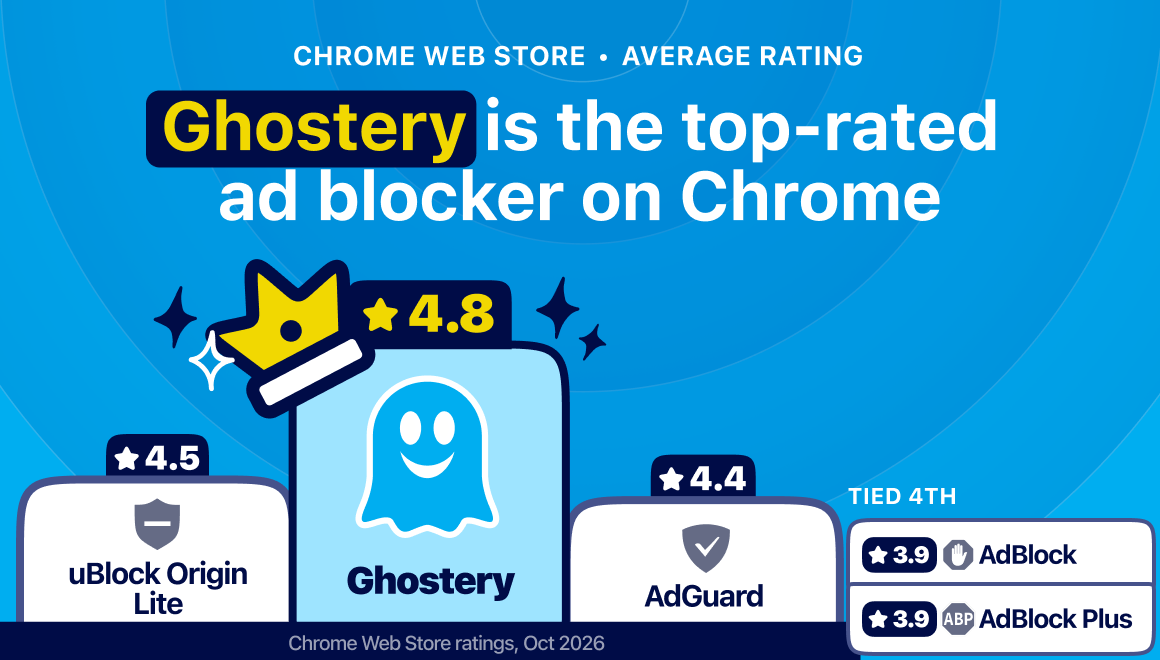
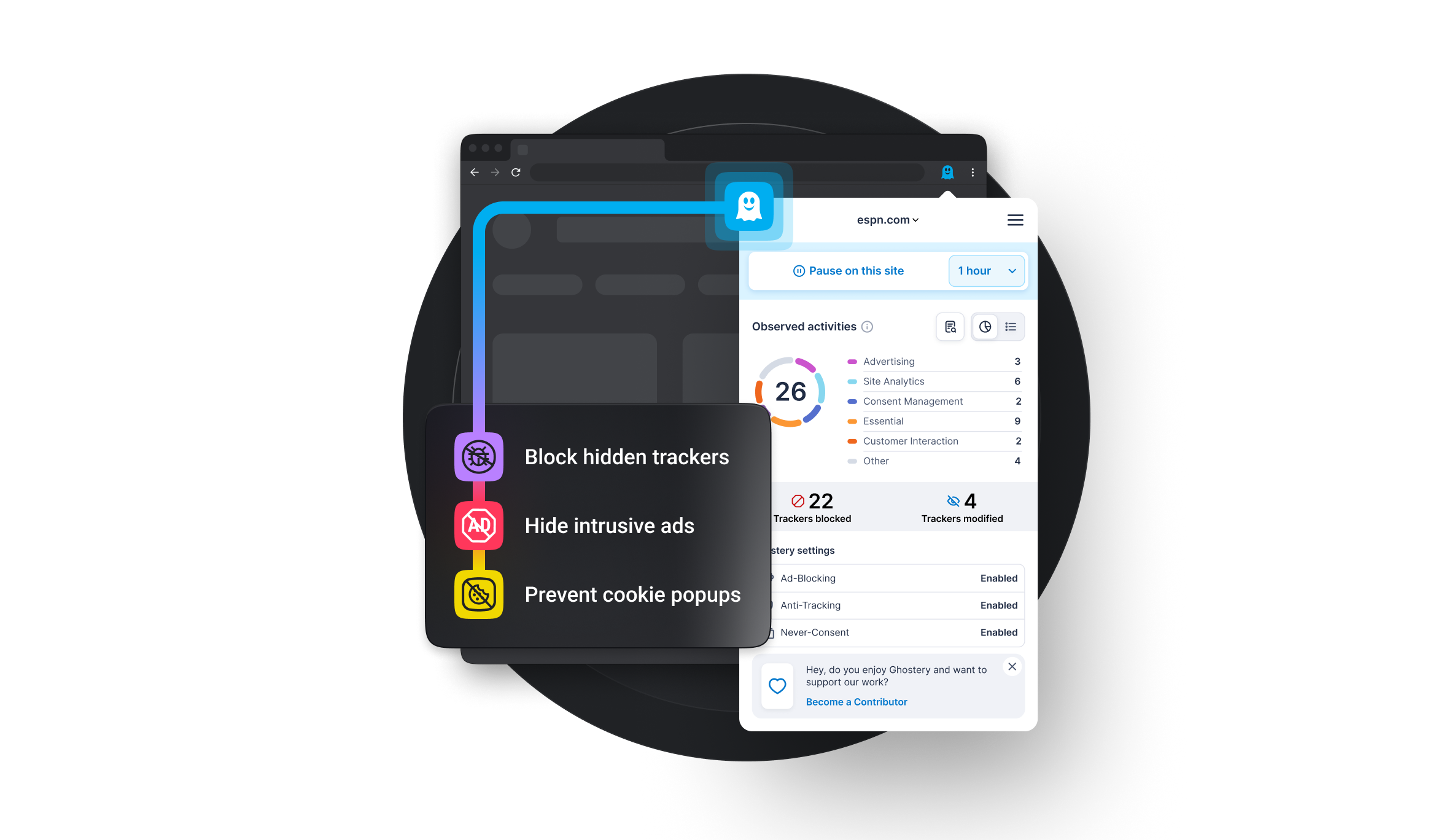
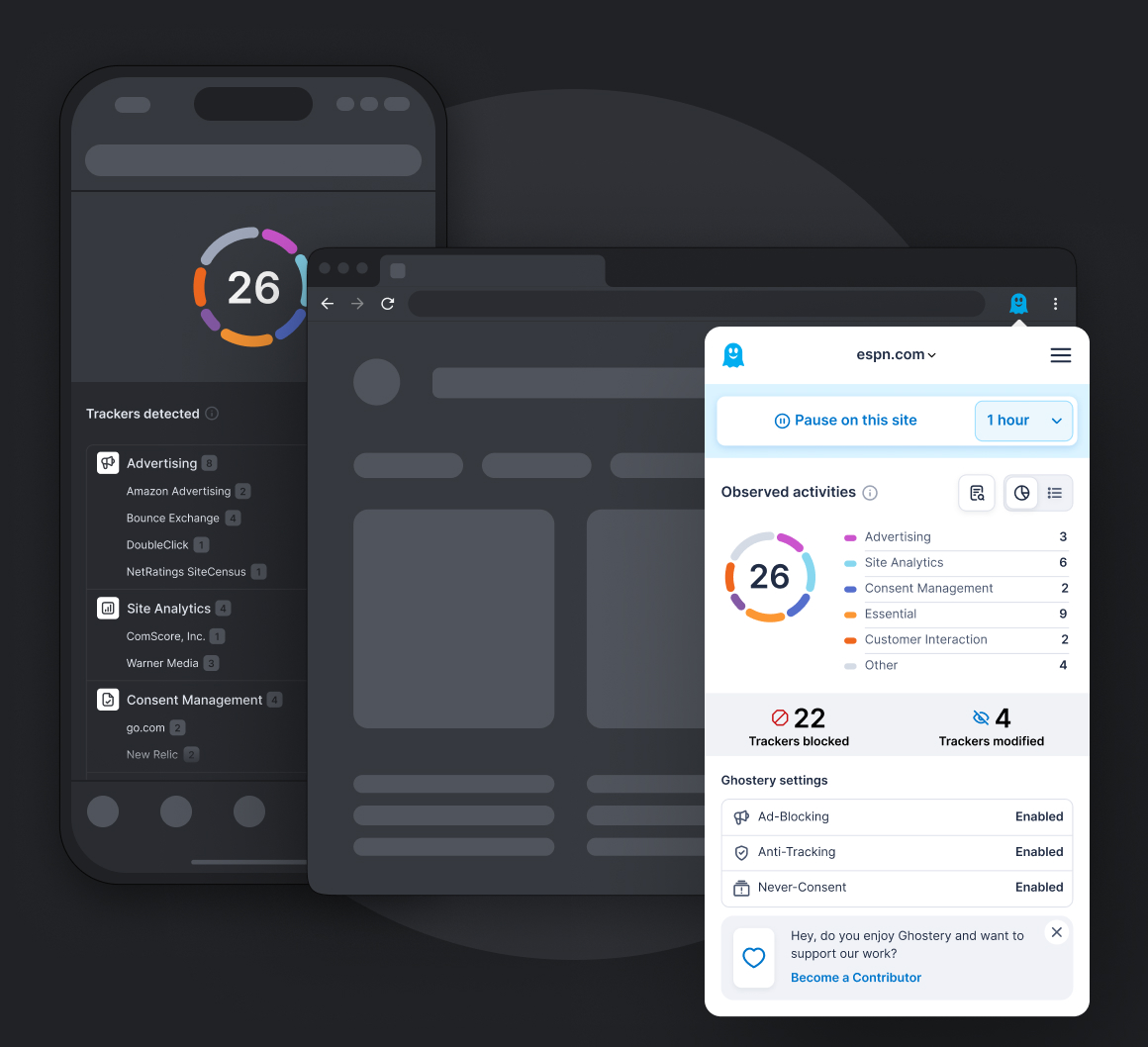
Ghostery blocks more than just ads, and this makes it more effective than many other ad blockers. It stops the trackers hidden inside advertising scripts, giving you stronger privacy protection on every page you visit. Ghostery also shows you exactly which companies try to follow you online, offering real transparency rather than working silently in the background. With the Never-Consent feature automatically denying tracking requests inside cookie pop-ups, Ghostery keeps pages cleaner, loads sites faster, and gives you meaningful control over your information from the moment you start browsing.
Can I use Ghostery Ad Blocker on different devices?
Yes, you can use Ghostery Tracker & Ad Blocker on all your devices. Ghostery works on major desktop and mobile browsers, including Chrome, Firefox, Edge, Opera, Safari, and Brave. You can install it on as many devices as you like to block ads, stop trackers, and enhance your privacy wherever you browse. Each installation works independently, so you get the same protection whether you are on your laptop, phone, or tablet.
What types of ads does Ghostery block?
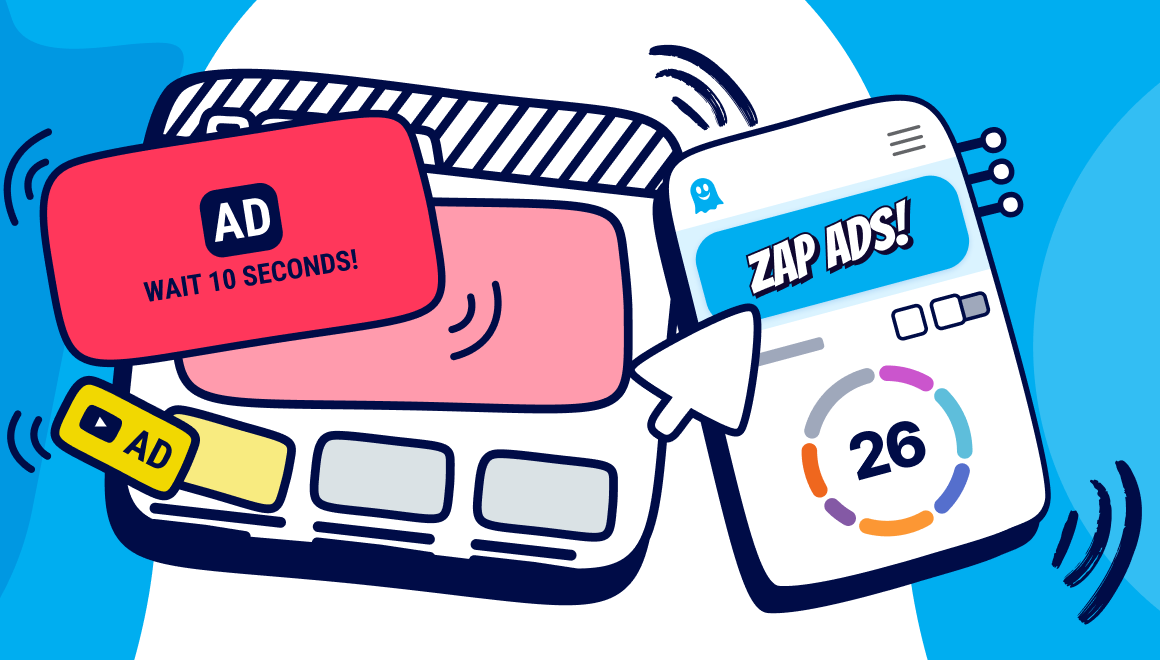
Ghostery blocks a wide range of online advertising formats to create a cleaner and more private browsing experience. It can block video ads, display banners, pop-ups, sponsored content, autoplay media, and many other annoying ads that interrupt websites. Beyond simply removing advertisements, Ghostery also blocks the tracking scripts commonly embedded inside advertising code, preventing advertisers from monitoring your browsing activity. By combining ad blocking with tracker blocking, Ghostery helps pages load faster while giving you greater control over your online privacy.
Is Ghostery a free ad blocker?
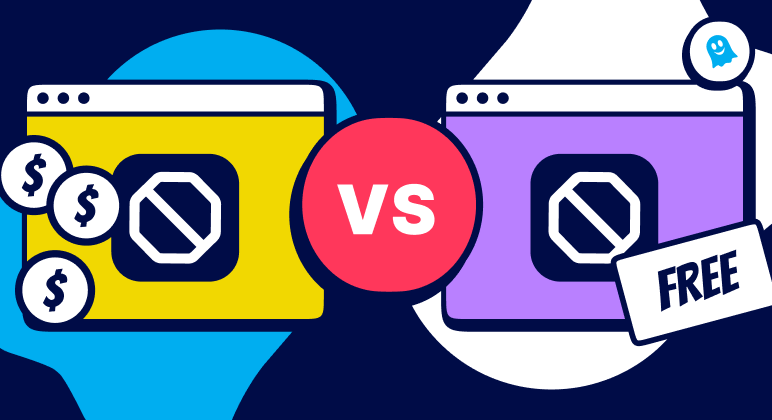
Yes. Ghostery is a free ad blocking browser extension that you can install without paying a subscription. All of Ghostery's features are completely free to use, including ad blocking, tracker blocking, cookie consent banner handling, and detailed tracker insights. As an open-source browser extension, Ghostery gives everyone access to powerful privacy tools at no cost. Optional contributions help support continued development, but every core feature remains available for free, making it easy to block annoying ads and browse with greater privacy.
How do I install the Ghostery ad blocker?
Ghostery Tracker & Ad Blocker is easy to install. Choose Ghostery for your browser, open the corresponding browser extension store, and select Add or Install. Once you confirm the requested permissions, Ghostery starts blocking ads and trackers automatically. Ghostery is available for major browsers including Chrome, Firefox, Safari, Edge, Opera, and Brave so you can use it across your preferred browsers and devices without needing to configure complex privacy settings.
Does Ghostery allow paid or acceptable ads?
No. Ghostery does not operate an acceptable ads program where advertisers can pay to have their ads shown. Its ad blocking is designed around protecting the browsing experience rather than giving paying advertisers preferential treatment. Ghostery blocks advertising and tracking technologies according to its blocking technology and filter lists, regardless of whether an advertiser has paid for placement elsewhere. Users remain in control and can adjust Ghostery's protection for individual websites when they choose to support or allow content on a particular site.
Is it safe to use an ad blocker?
Yes, using a reputable ad blocker is generally safe and can make browsing safer by preventing many advertising and tracking scripts from loading. Ghostery goes beyond removing intrusive ads by also blocking trackers that can collect information about your browsing activity. As an open-source browser extension, Ghostery's code can also be publicly inspected. For the safest experience, install ad blockers only from official browser extension stores and keep both your browser and extensions updated.
How does an ad blocker affect page loading speed?
An ad blocker speeds up page loading by preventing advertisements and their associated tracking scripts from loading in the first place. Every ad, tracker, and marketing script adds extra network requests that your browser must download and process before a page is fully displayed. By reducing these requests, Ghostery helps websites load faster, lowers bandwidth consumption, and reduces data usage. Because fewer resources need to be processed, pages often feel more responsive while providing a cleaner browsing experience with fewer distractions.
Does Ghostery block ads on YouTube?
Yes. Ghostery blocks ads on YouTube when you watch videos in a supported browser with the Ghostery Tracker & Ad Blocker extension enabled. This includes common video advertising formats such as pre-roll and mid-roll ads, helping you enjoy a cleaner, less interrupted viewing experience. YouTube regularly changes how it delivers and detects advertising, so Ghostery continuously adapts its blocking technology to keep protection effective as these methods evolve.


 Get Ghostery for Chrome














 5.0
5.0