Guide
How To Block Ads On Dailymotion
August 31, 2026
Guide
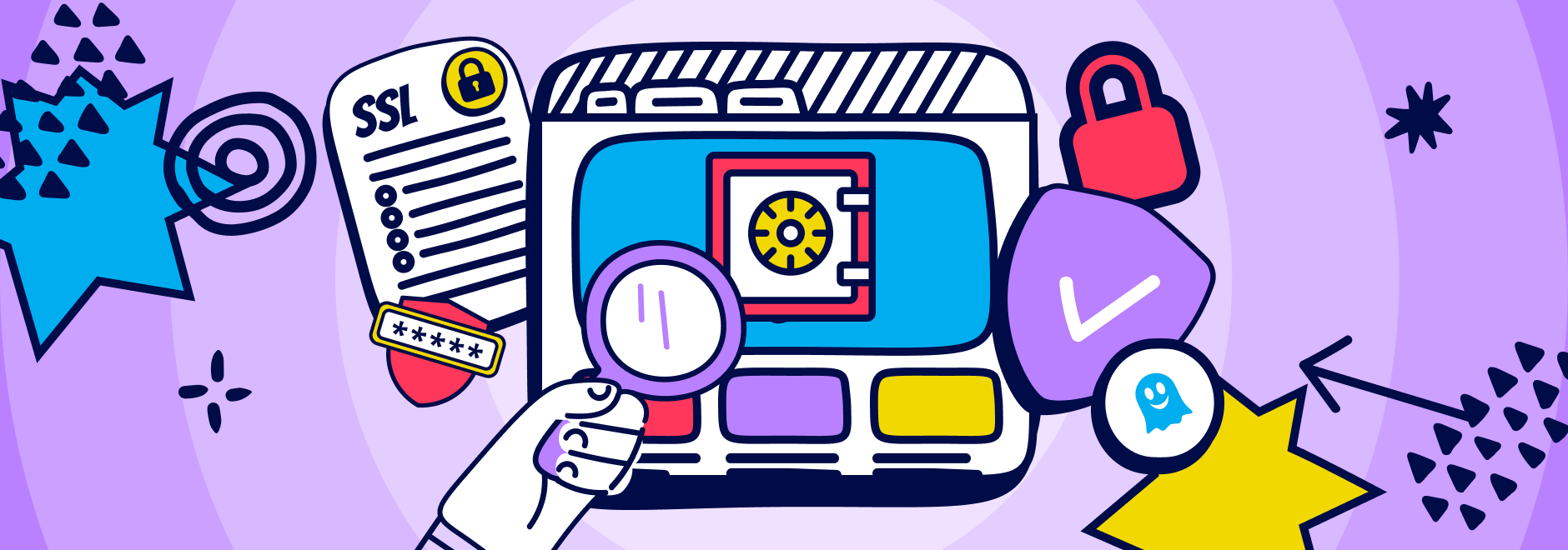
Every day, people enter passwords, payment details, and personal information on websites without thinking twice. Most of the time, nothing bad happens. But unsafe websites are far more common than many realize, and they do not always look suspicious. Fake online shops, phishing pages, and malware infected sites often copy the design of trusted brands to trick visitors into handing over sensitive data.
Checking a website before you click, sign up, or pay is no longer just for tech experts. Anyone who browses the web can benefit from knowing how to spot warning signs early. Even modern browsers that show security warnings cannot catch every threat, especially when scams evolve quickly.
This guide walks you through a list of step helping you verify if a website is safe, from basic visual cues like HTTPS to deeper checks such as domain age and reputation. You will also learn how privacy and security tools can support these checks in the background, helping you browse with more confidence every day.
Unsafe websites can cause serious harm in a short amount of time. Some are designed to steal login credentials or credit card numbers through phishing forms. Others silently install malware that tracks your activity, redirects your searches, or compromises your device. Fake online stores may take your money and never deliver a product.
Browsers try to protect users by warning about known dangerous sites, but these systems rely on reports and blacklists. New scam sites can appear and disappear within days, slipping through automated defenses. That is why it is important to actively check trust of website sources yourself, especially when a site asks for personal or financial information.
Understanding these risks is the first step. Once you know what is at stake, the remaining checks become easier to prioritize and apply consistently.
One of the fastest ways to assess website safety is to look at the browser’s address bar. Secure websites use HTTPS, which means the data exchanged between your browser and the site is encrypted and protected from interception. This is especially important when entering passwords, personal details, or payment information.
Clicking the padlock icon next to the URL allows you to view connection details, including whether the site uses a valid SSL Certificate and which domain it was issued for. The certificate should match the website address exactly and be issued by a recognized authority. If the browser displays warnings about invalid or mismatched certificates, that is a strong signal to stop.
While HTTPS and encryption do not guarantee that a site is trustworthy, they are a minimum requirement for any legitimate website that handles sensitive data and a key step in evaluating online safety.
Online safety checkers let you paste a URL and see whether it has been reported for malware, phishing, or harmful behavior. Services like browser based safe browsing databases or independent scanners compare the site against known threat lists.
A clean result is reassuring, but it is not a guarantee. Many scam sites are too new to be flagged yet. Use these tools as one part of your process, not the final decision maker. They work best when combined with visual checks, reputation research, and protective tools running in your browser.
Legitimate websites usually explain how they collect and use personal data. A clear privacy policy should describe what information is gathered, why it is needed, who it is shared with, and how users can contact the company.
Red flags include missing policies, extremely vague language, or policies copied from unrelated websites. If you cannot easily find this information, or if the policy contradicts what the site claims elsewhere, it is wise to pause. Reviewing this page helps you check if a website is secure not just technically, but also in how it handles your data.
Spoofed websites rely on small tricks. A single extra letter, a swapped character, or a different domain ending can turn a trusted address into a trap. These sites often appear through links in emails, ads, or messages.
To stay safe, manually type important addresses or use bookmarks you created yourself. Double check the spelling in the address bar before entering any credentials. Taking a moment to confirm the real destination is one of the most effective ways to check if a website is safe before interacting with it.
Taking a moment to confirm the exact web address before entering any information is one of the simplest ways to check if a site is safe, particularly when arriving via ads, emails, or social media links.
Searching the site name along with words like review or scam can reveal patterns quickly. A mix of feedback is normal, but repeated complaints about missing orders, fake support, or unexpected charges are serious warning signs.
Be cautious with overly generic five star reviews that lack details. These are often fabricated. Independent forums, consumer protection sites, and neutral review platforms provide better insight into whether a site is trustworthy over time.
Searching for the site name along with words like review or scam can reveal patterns quickly, and this step is especially useful when you want to check trust of website claims beyond what the site says about itself.
Legitimate businesses usually provide more than a contact form. Look for an address, a working email, or a phone number. This information shows accountability and gives you a way to resolve issues if something goes wrong.
If you are unsure, try sending a simple question and see whether you receive a clear response. A complete lack of contact details or unreachable support is another reason to reconsider trusting the site.
Many scam sites used to be easy to spot because they were built quickly and carelessly. Obvious spelling mistakes, awkward phrasing, broken layouts, or inconsistent branding often signaled a low effort or cloned website.
In the age of AI and widely available website builders, these red flags are becoming far less reliable. Scam websites can now use AI generated copy, polished templates, and convincing visuals that closely mimic legitimate brands, making it harder to rely on appearance alone when deciding how to check if a website is safe.
Design quality should therefore be treated as just one signal among many. If something feels slightly off despite a professional looking page, pause and apply additional checks like domain history, reputation research, and security tools before moving forward.
Pop ups are one of the most common warning signs on unsafe websites. Fake virus alerts, urgent security warnings, countdown timers, or sudden payment demands are designed to create panic and push users into clicking without thinking. These messages often lead to phishing pages, malware downloads, or fraudulent payments.
Modern scam pop ups can look surprisingly realistic, mimicking browser alerts or antivirus software. If a website relies heavily on fear, urgency, or constant interruptions, that alone is reason to pause and reconsider whether to continue, especially if you are unsure how to check if a website is secure.
Instead of interacting with these messages, close the tab or window directly. Legitimate websites do not pressure visitors with alarming pop ups or demand immediate action.
Domain lookup tools reveal when a website was registered and sometimes who owns it. Very new domains used for shopping, banking, or support should be treated with caution, especially if they claim to represent established brands.
While privacy protected registrations are common, combining a brand new domain with other red flags increases risk. Domain age alone is not proof, but it helps you check trust of website claims more effectively.
Manual checks are important, but they only go so far. Many threats load invisibly in the background through trackers, third party scripts, and malicious ads. This is where browser based protection becomes essential.
Ghostery blocks a wide range of trackers and advertising scripts that monitor behavior or inject risky content. By stopping these elements before they load, it reduces exposure to malvertising and hidden data collection. The extension also shows real time insights into who is trying to track you on each page, helping you understand what is happening behind the scenes.
Used alongside the steps in this guide, Ghostery adds a practical safety layer that works continuously. It does not replace careful judgment, but it supports your efforts to check if a website is safe by limiting what untrusted sites can do in your browser.
Good habits make a big difference over time. Use strong, unique passwords for each service and store them in a reputable password manager. Enable multi factor authentication wherever possible to reduce the impact of stolen credentials.
Keep your browser, operating system, and extensions up to date so known vulnerabilities are patched. Avoid entering sensitive information on public Wi Fi networks, or use a trusted connection if you must. These habits, combined with regular checks, make it much easier to check if a website is secure in daily browsing.
Checking a site before you click, log in, or buy is one of the easiest ways to reduce online risk. The safest approach is combining quick visual checks like HTTPS and domain spelling, external signals like reputation and safety scanners, and a few common-sense habits such as staying updated and using strong passwords. For extra protection, tools like Ghostery add a practical safety layer by blocking trackers, suspicious scripts, and many malicious ads before they load. Make this 11-step routine part of your regular browsing, and you’ll spot risky sites faster and browse with far more confidence.
Fake websites still share common warning signs, such as suspicious URLs, missing contact details, vague privacy policies, aggressive pop ups, or urgent payment requests. However, these signals are becoming harder to spot. Modern AI tools allow scammers to generate polished designs, professional language, and realistic layouts that closely mimic legitimate brands. As a result, visual quality alone is no longer a reliable indicator. This makes it increasingly important to use a combination of checks including URL verification, domain age, reputation research, and security tools rather than relying on a single red flag.
HTTPS means the connection between your browser and the website is encrypted, which helps protect data in transit. However, HTTPS alone does not guarantee that a website is trustworthy. Scammers can also obtain certificates for fake sites. While HTTPS is a necessary baseline for security, it should be combined with checks like domain verification, reputation research, and content review to properly assess whether a site is safe to use.
Phishing sites are designed to steal sensitive information by pretending to be legitimate services. Common signs include urgent messages asking you to verify accounts, unexpected login pages, and links that redirect to slightly altered domain names. The design often mimics well known brands but small details are off. If a site pressures you to act quickly or requests information out of context, it is a strong signal to stop and verify the source independently.
If there is anything you miss in Ghostery or have any questions, please drop a line to support@ghostery.com. We’re happy to talk to you anytime.