Product
Ghostery Users Are the Most Satisfied on the Chrome Web Store
October 15, 2026
Product
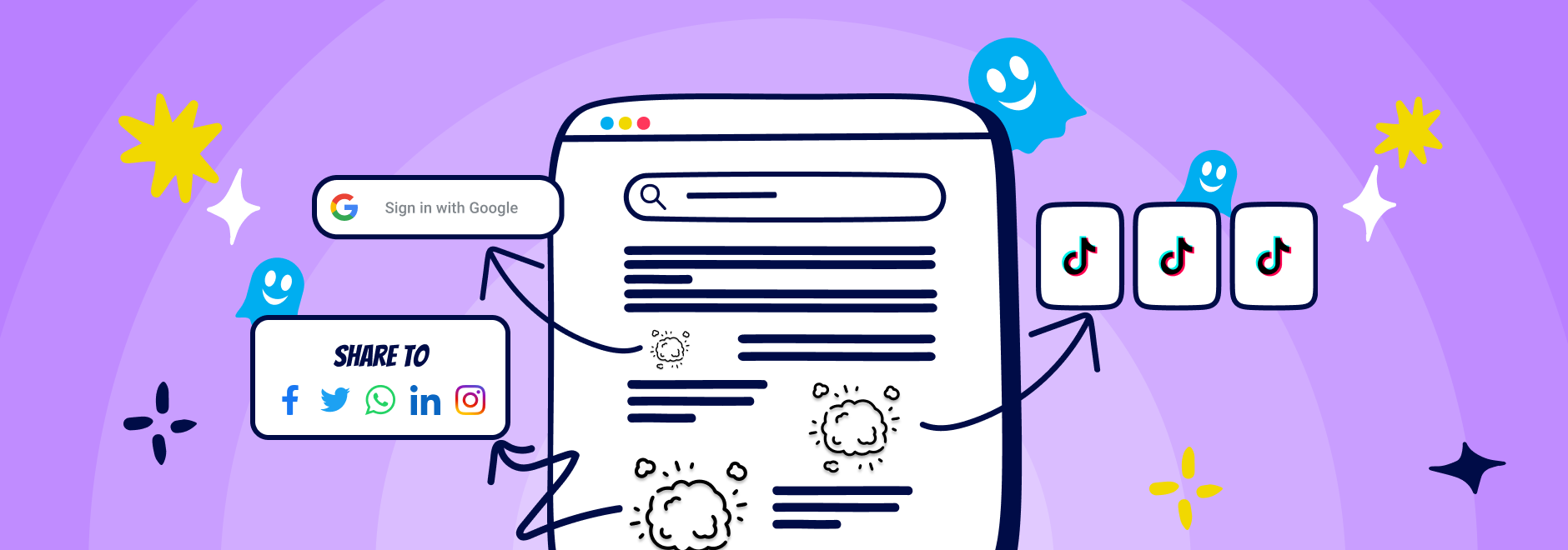
Ad blockers helped make the web cleaner by removing ads and trackers. But many of today's distractions aren't ads at all.
Short video feeds, social share widgets, sign-in prompts, browser promotions, and other interface elements can still get in the way of what you came online to do.
That's why we're introducing Distractions, a new collection of ready-made controls that automatically reduce common forms of web clutter across supported websites.
The idea is simple.
Some distractions appear again and again across the web. Instead of removing them one page at a time, you can now enable a distraction category once and let Ghostery handle the rest.
Whether it's endless short video feeds, social sharing widgets, sign-in prompts, browser promotions, or other supported distractions, Ghostery can automatically remove them across multiple websites.
No custom filters.
No manual setup.
Just a cleaner browsing experience.
Distractions is designed around patterns that appear across the web.
Current categories include:
You'll find them under:
Settings → Privacy Protection → Distractions
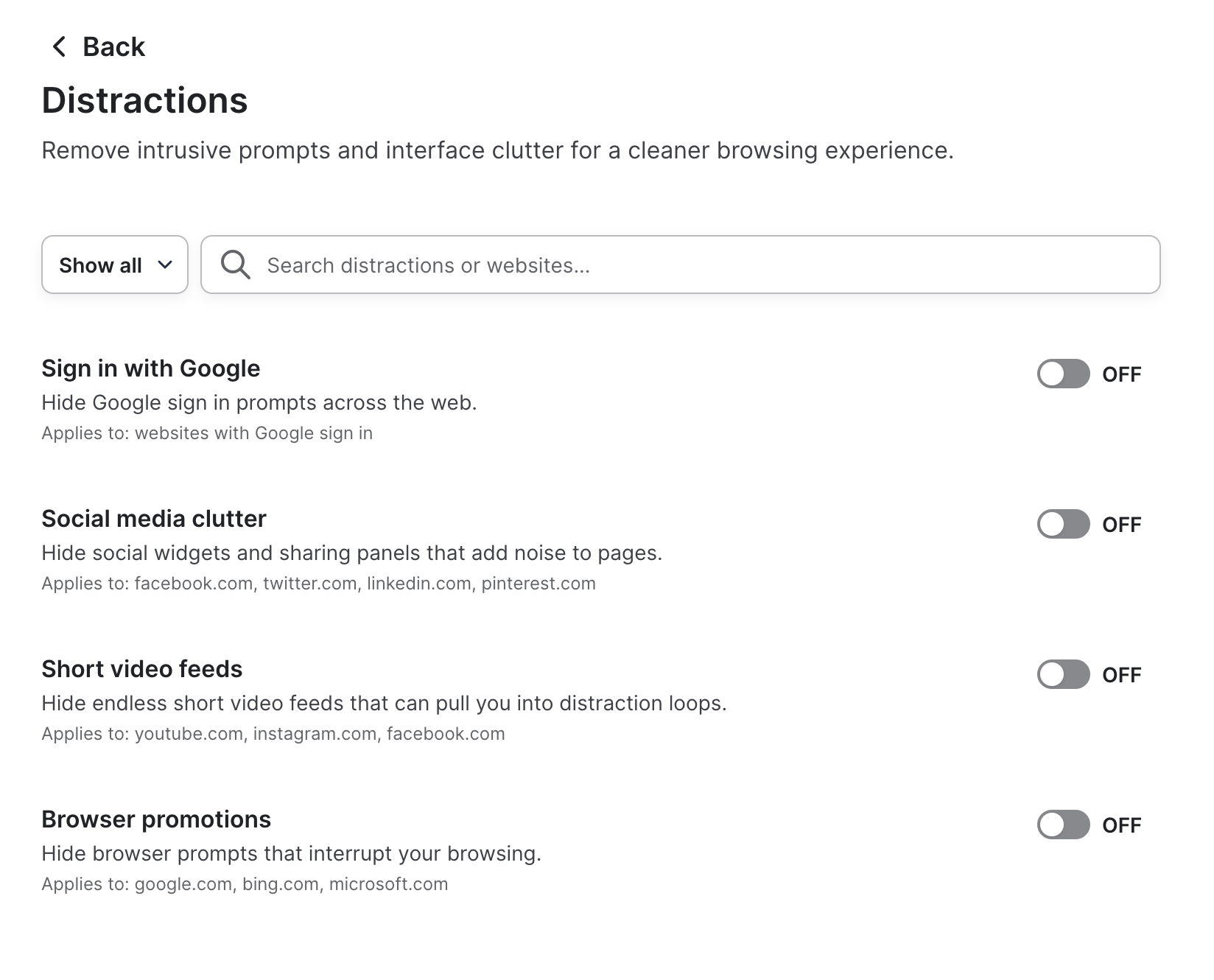
And because these controls are category-based, new distraction types can be added over time without changing how the feature works.
If you've used Ghostery's Distraction Eraser feature to hide content blocks on visited websites before, you might be wondering how the two differ.
Distractions removes common categories of clutter across supported websites with a single setting.
Hide content block lets you remove specific elements on individual websites. Want to hide a chatbot bubble, sidebar, or another layout block? Hide content block gives you that level of control remove distractions.
In short:
Use Distractions when you want a quick way to remove common distractions across the web.
Use Distraction Eraser when you want to customize a particular website.
Together, they give you both convenience and flexibility.
Learn more about Hiding Content Blocks with Distraction Eraser
Some people want to hide Shorts. Others never want to see another browser promotion. Some simply prefer cleaner pages with fewer distractions.
Like hiding content with Distraction Eraser, creating your own rules with Custom Filters, or enabling Regional Block Lists, Distractions helps you shape the web around your preferences.
Because the best browsing experience is the one that works for you.